Self-Hosted Pilot Logbook
The same logbook, on a machine you control. For pilots who would rather own the box, and for clubs who need to.
Four commands.
The deployment repository pulls pre-built images from GitHub Container Registry, so there is no build step and no registry login:
git clone https://github.com/fjaeckel/ninerlog.git
cd ninerlog
cp .env.example .env   # set JWT_SECRET, REFRESH_SECRET, POSTGRES_PASSWORD
docker compose up -d
That brings up the Go API, the nginx-served frontend, PostgreSQL with TLS, a Certbot container for certificates, and a scheduled pg_dump backup job. Visit the host in a browser and you have a working logbook.
The whole stack, not a stripped-down edition.
The self-hosted build is the same code that runs the hosted service — plus the club features that only make sense on your own instance.
Every feature
Currency tracking, instructor signing, import and export, reports, passkeys and 2FA. Nothing is reserved for a cloud tier, because there is no cloud tier.
Your database
PostgreSQL with versioned migrations, running on your host with TLS. You can query it, dump it, and move it whenever you like.
Backups you own
Scheduled offsite backups to any S3-compatible bucket, SFTP server or WebDAV share. Your storage, your credentials, your retention policy.
A documented API
The REST API ships with an OpenAPI specification, so anything you want to automate against your own instance, you can.
No phone home
Your instance does not need us. There is no licence server to check in with and no account to keep active.
Readable source
Go API under AGPL-3.0, React frontend and deployment repo under MIT. Audit it before you trust your members’ records to it.
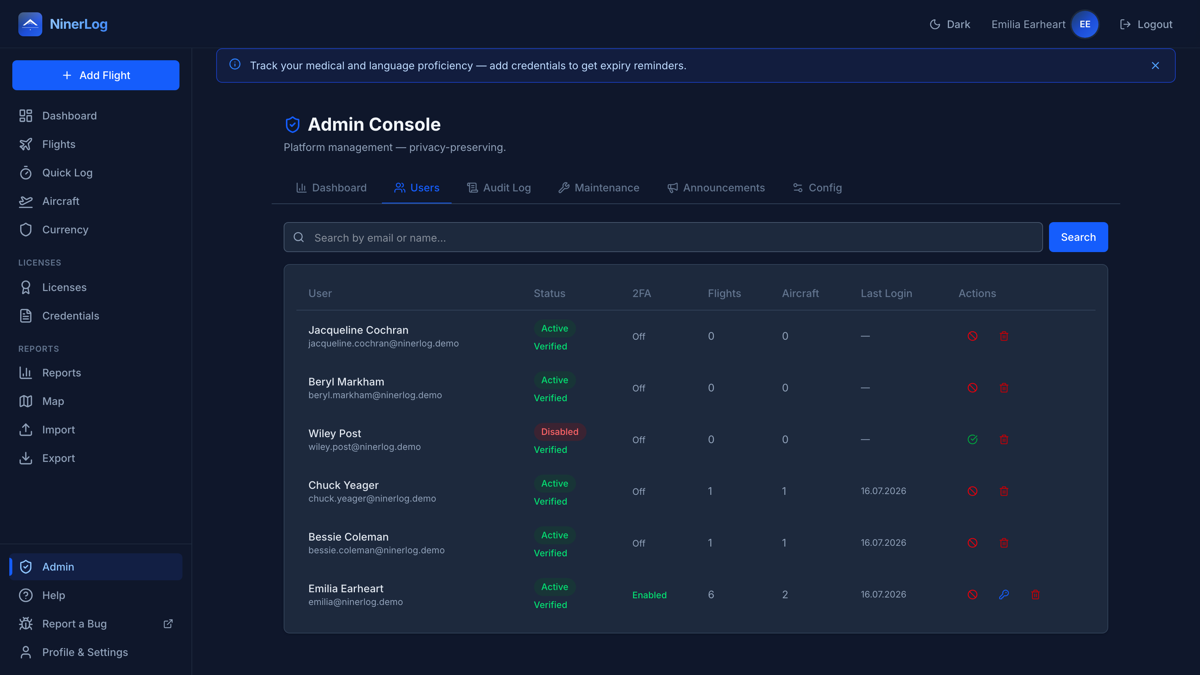
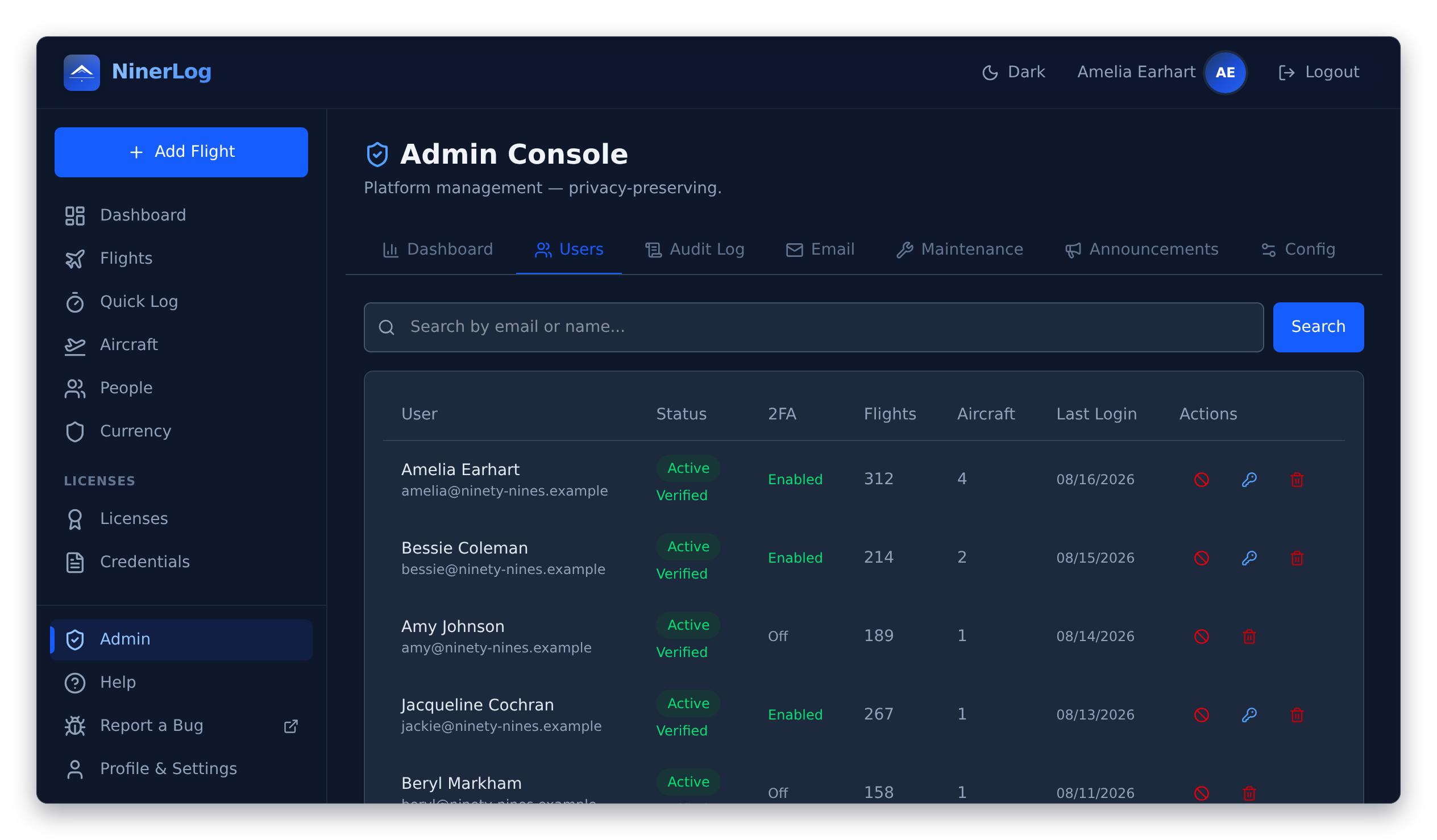
One instance, every member’s own logbook
Flying clubs and schools are the reason the self-hosted mode exists. Run one instance for the whole club and each pilot gets their own private logbook on it — while the committee gets the administration it needs, without anyone touching the database by hand.
- Built-in admin panel. Invite, enable, disable and reset members from one screen
- Separate logbooks. The admin screens cover accounts and totals — there is no view that opens up another member’s flight entries
- Announcements. Club notices, maintenance windows and safety updates land on members’ dashboards
- Instructors on the same instance. Training flights get signed and locked without members leaving the club’s server
German-speaking club? Diese Seite auf Deutsch →
Should you actually self-host?
Honestly: for most individual pilots, no. You’d own the uptime, certificates, Postgres upgrades and backups for a legal record you can’t afford to lose — the hosted version is the same code without that work. It earns its keep for a club or org with a reason to want the data on its own infrastructure.
One caveat for club members: whoever runs the server can access the database underneath it. Logbooks stay separate in the app, but self-hosting means trusting your admin instead of us — worth knowing, not a reason to avoid it.
Run it yourself.
Deployment repository, environment reference and upgrade notes are all on GitHub.